
Account & Security
Sign-in, passwords, passkeys, MFA, and account profile support.
Sign in
Use the email address from your invitation.
Invitations and sign-in verification codes come from Fouffy Dog Routing at no-reply@fouffydogrouting.com. Replies go to info@braindance.io.
If you do not see the invitation email, check your spam or junk folder.
If you were given a temporary password, Fouffy Dog Routing will ask you to choose a new password the first time you sign in.
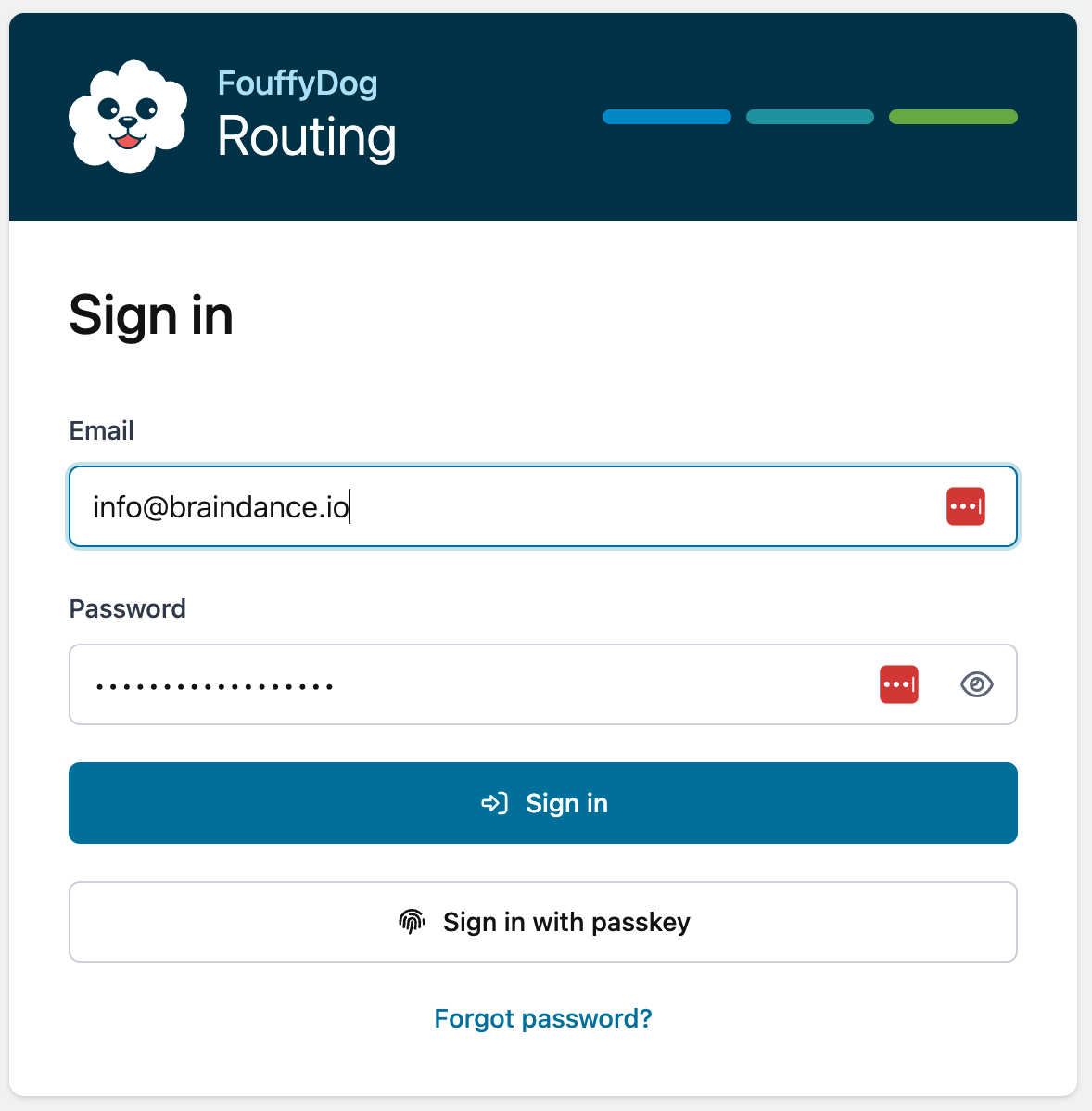
Forgot your password
Use Forgot password on the sign-in screen.
You will receive a reset code by email from Fouffy Dog Routing at no-reply@fouffydogrouting.com. Enter the code, choose a new password, and sign in again.
If the reset code does not arrive, check spam or junk before requesting another code.
Passkeys
Passkeys let you sign in with device security such as Touch ID, Face ID, Windows Hello, or a password manager that supports passkeys.
To add a passkey:
- Sign in with your email and password.
- Open your Profile page.
- Choose Add passkey.
- Follow the prompt from your device or password manager.
If a passkey does not work, sign in with your password and remove the passkey from your Profile page. Then add it again.
MFA
Authenticator-app MFA is optional during beta.
You can enable or disable MFA from your Profile page. If MFA is enabled, keep access to your authenticator app so you can complete sign-in.
Password and email changes
Use the Security section on your Profile page to update your password or email address.
When changing your email address, use an address you can access immediately. You may need to confirm the new address before continuing.
Support
If you cannot sign in, email info@braindance.io.