
Routes
Use Quick Routes and saved routes to plan your day.
Routes help you visit multiple stops in a better order.
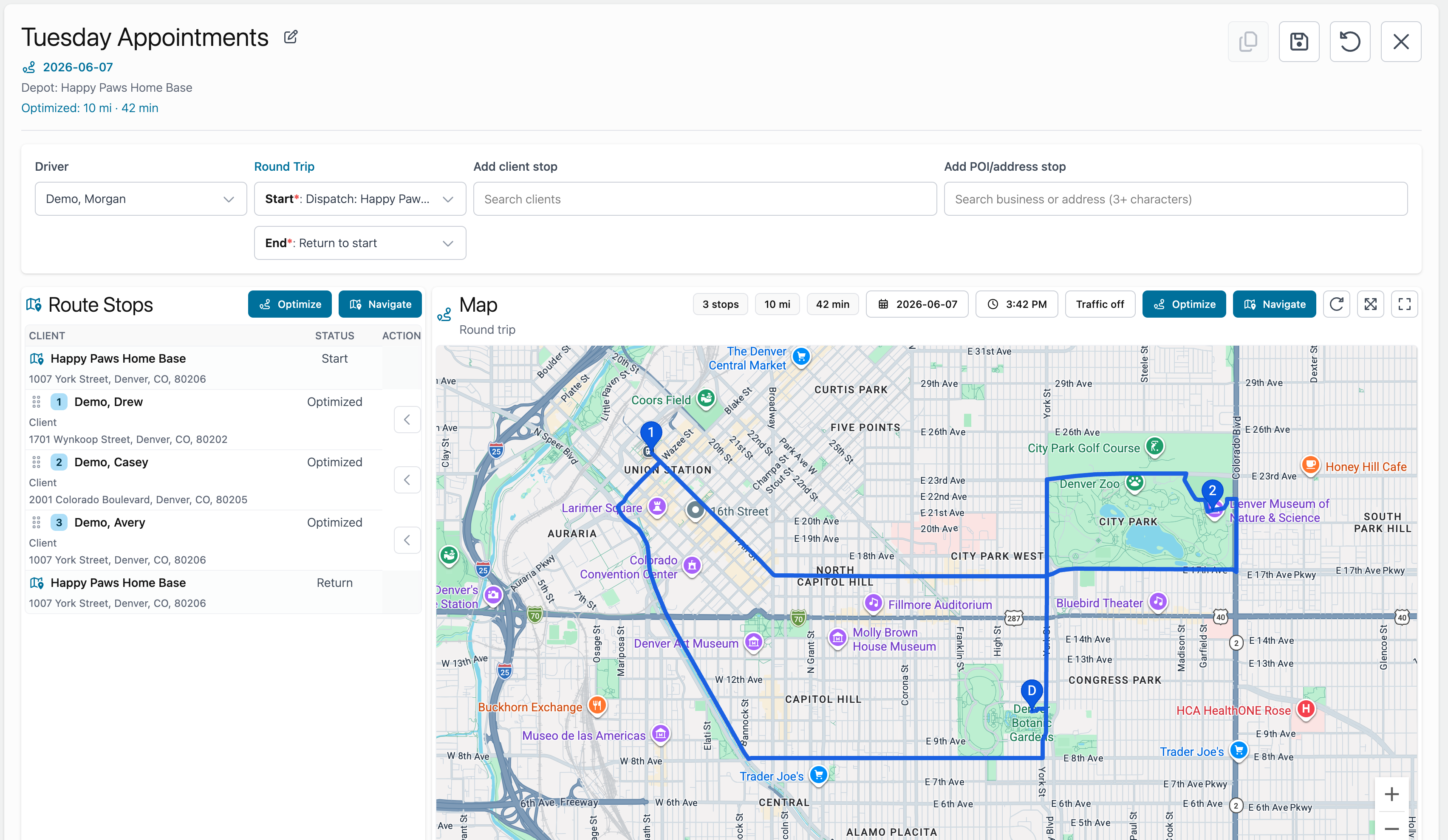
Quick Routes
Quick Routes are useful when you want to test a route before saving it.
Use Quick Route when you want to answer questions like:
- What if I add this appointment?
- What if I start from home?
- What if I end at the shop?
- What if I optimize this stop order?
Quick Routes do not have to be saved. If the route is useful, choose Save Route.
Saved Routes
Saved routes are routes you want to keep.
Use saved routes when you want to:
- Assign a route to a driver.
- Reuse the route later.
- Duplicate the route.
- Keep a route history.
- Navigate the route again.
Routes can have a date or be permanent.
Route optimization
Use Optimize when you want Fouffy Dog Routing to suggest a better stop order.
Review the result before saving. You can still drag stops into a different order.
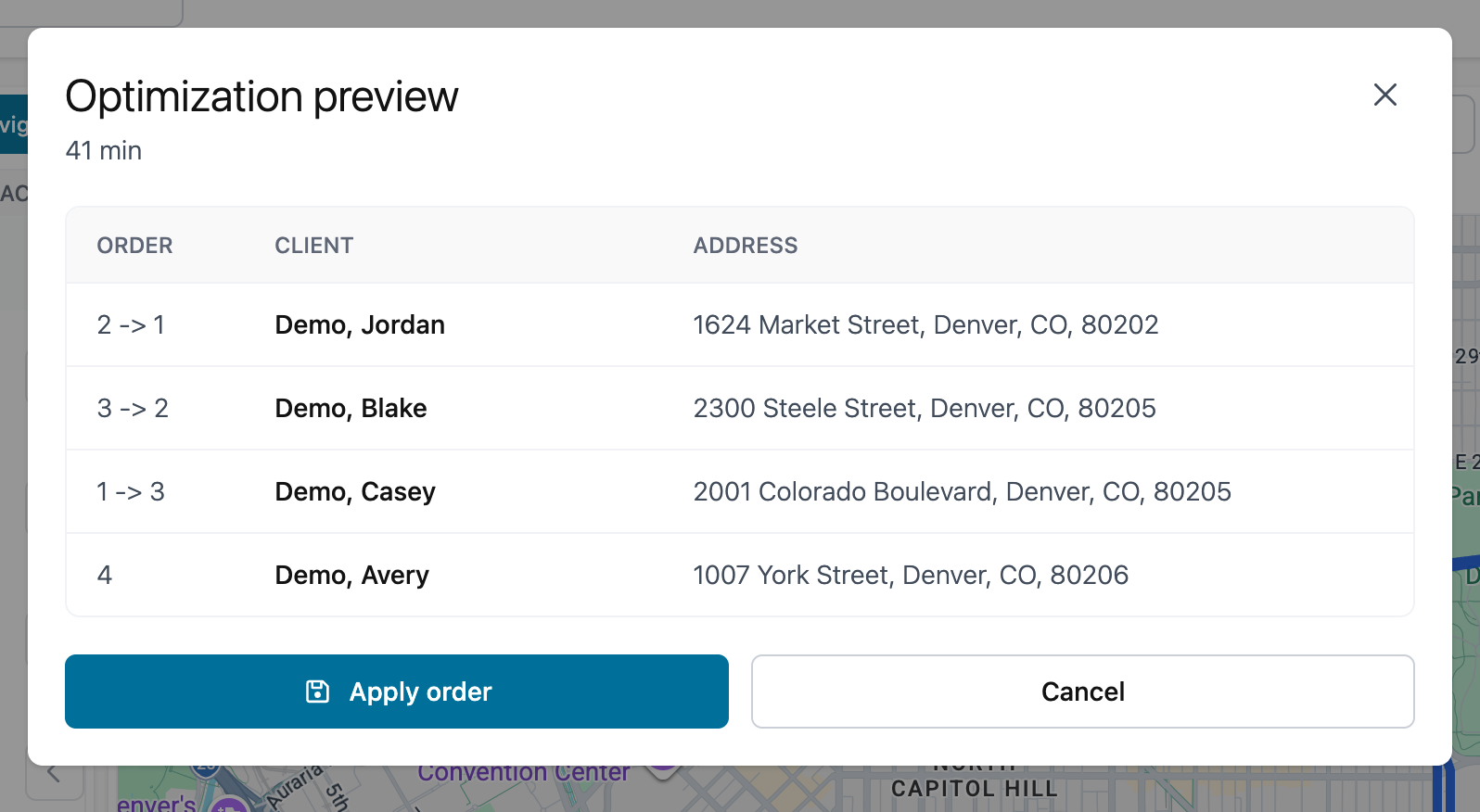
Route management
From a route, you can:
- Rename the route.
- Change the driver.
- Change start and end points.
- Add customer stops.
- Add POI stops.
- Edit stop details.
- Duplicate the route.
- Save changes.
- Open the route in Google Maps.