
Welcome
Learn what Fouffy Dog Routing does and how it helps service teams plan routes.
What Fouffy Dog Routing does
Fouffy Dog Routing helps your team plan customer stops, build routes, optimize stop order, and open routes in Google Maps for navigation.
It is designed for small service businesses that travel between customer locations during the day. Examples include mobile groomers, dog walkers, pet sitters, landscapers, pool service companies, cleaning services, home inspectors, and pest control companies.
Basic ideas
- Customers are the people or places you visit.
- Stops are the locations on a route.
- Drivers are users who can be assigned to routes.
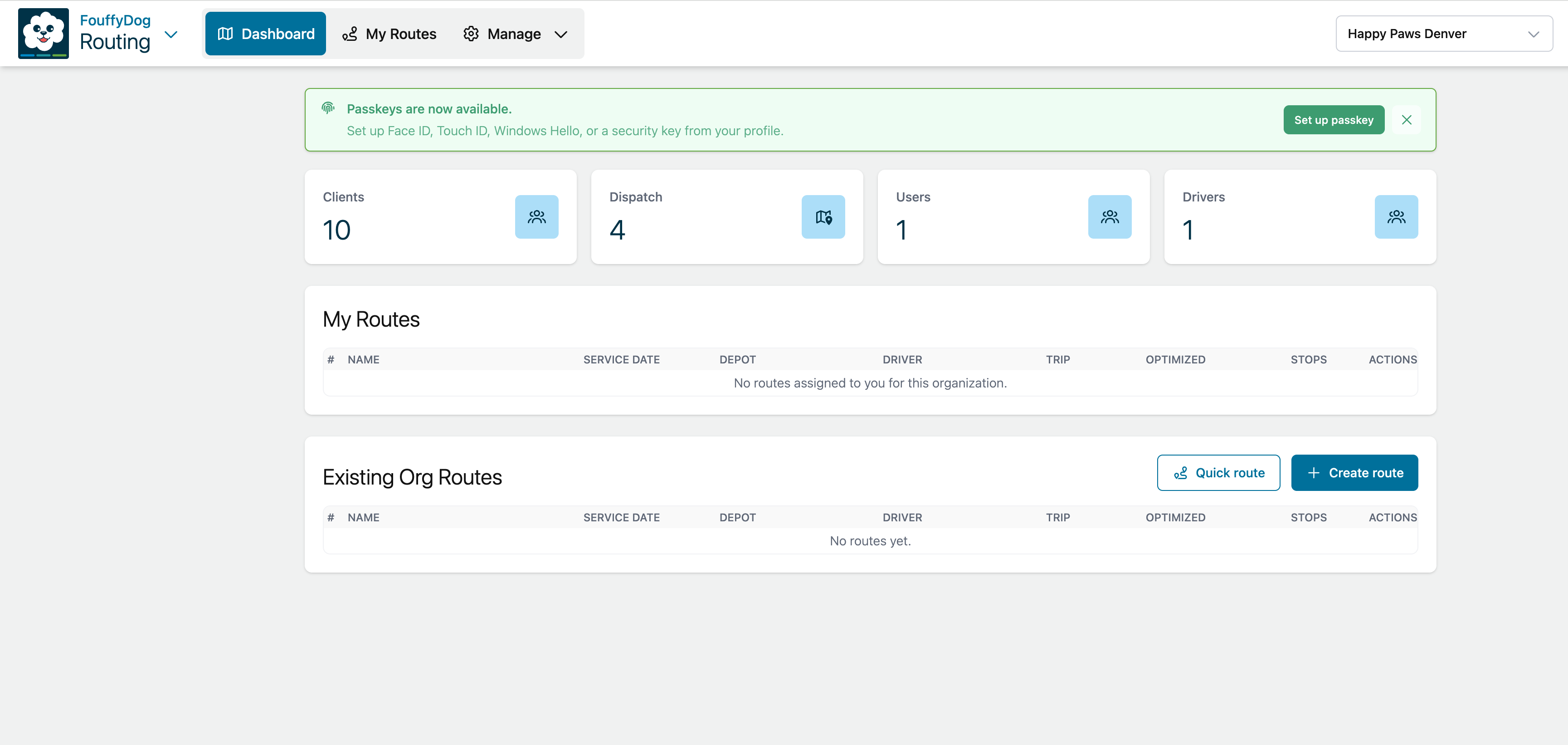
- Dispatch locations are common start or end points, such as an office, shop, home office, or warehouse.
- POIs are saved places you may want to reuse on routes.
- Quick Routes let you try a route before saving it.
- Saved Routes are routes you want to keep, assign, duplicate, or reuse.
First setup checklist
- Sign in from your invitation email from Fouffy Dog Routing at
no-reply@fouffydogrouting.com. - Change your temporary password if prompted.
- Confirm the selected account and organization.
- Add a dispatch location if routes usually start from a shared place.
- Add users and mark route drivers as drivers.
- Add customers or import customer data.
- Create a route or Quick Route.
Roles
Your role controls what you can see and change.
- Account owners manage account details, subscription choices, account users, and organizations.
- Organization owners, admins, and dispatchers manage route operations for their organization.
- Drivers use My Routes to view and navigate assigned routes.
Some users can have more than one responsibility. For example, an owner or admin can also be assigned as a driver.
If something looks missing
If you do not see a menu or page that another user can see, your role may not include access to that area. Ask an account owner or organization admin to confirm your user setup.
For help finding menus and common actions, see Finding your way around.