Setup
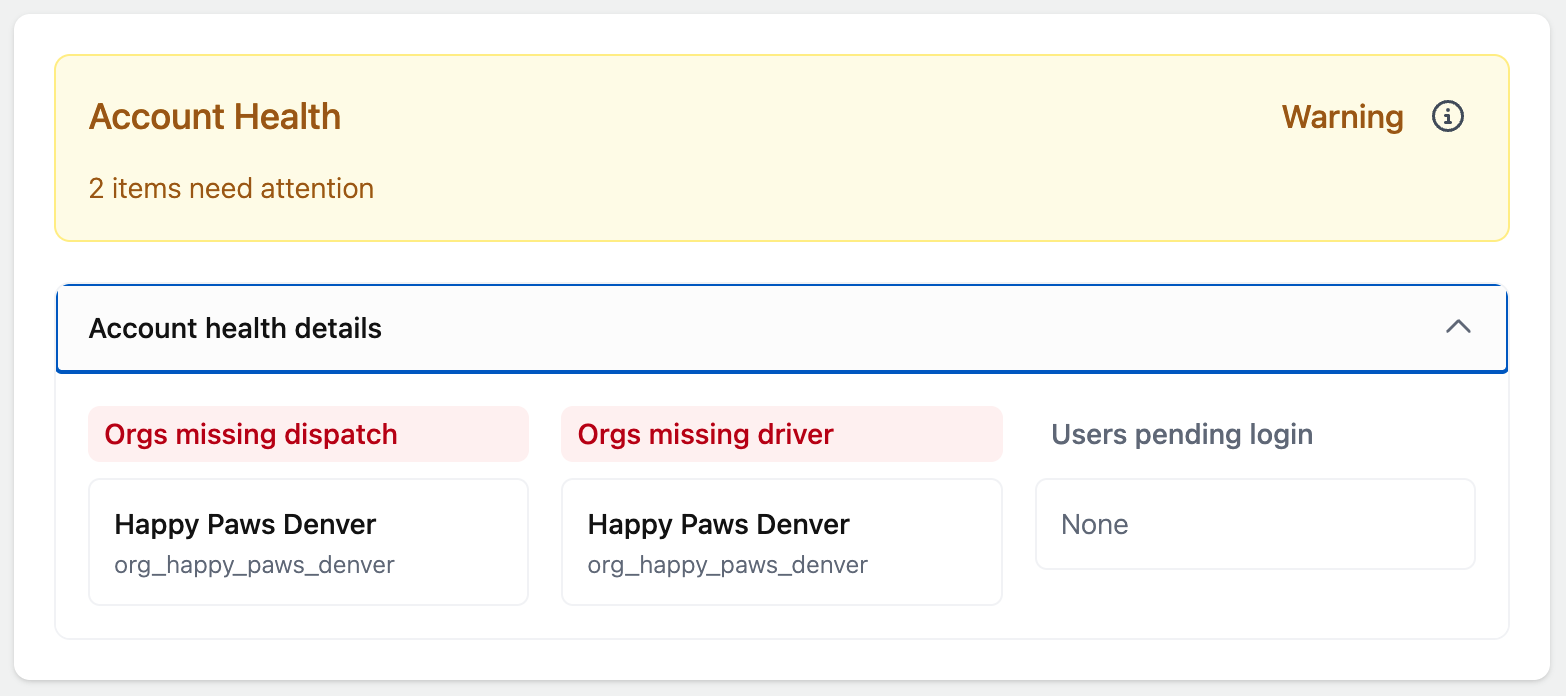
Configure organizations, users, drivers, dispatch locations, and route defaults.
Organization
Organization settings control how routes work for the selected organization.
Use the organization page to review or update:
- Organization name
- Organization short name
- Time zone
- Default dispatch location
- Default driver
- Route archiving settings
- Traffic-aware routing defaults, if your plan includes traffic-aware routing
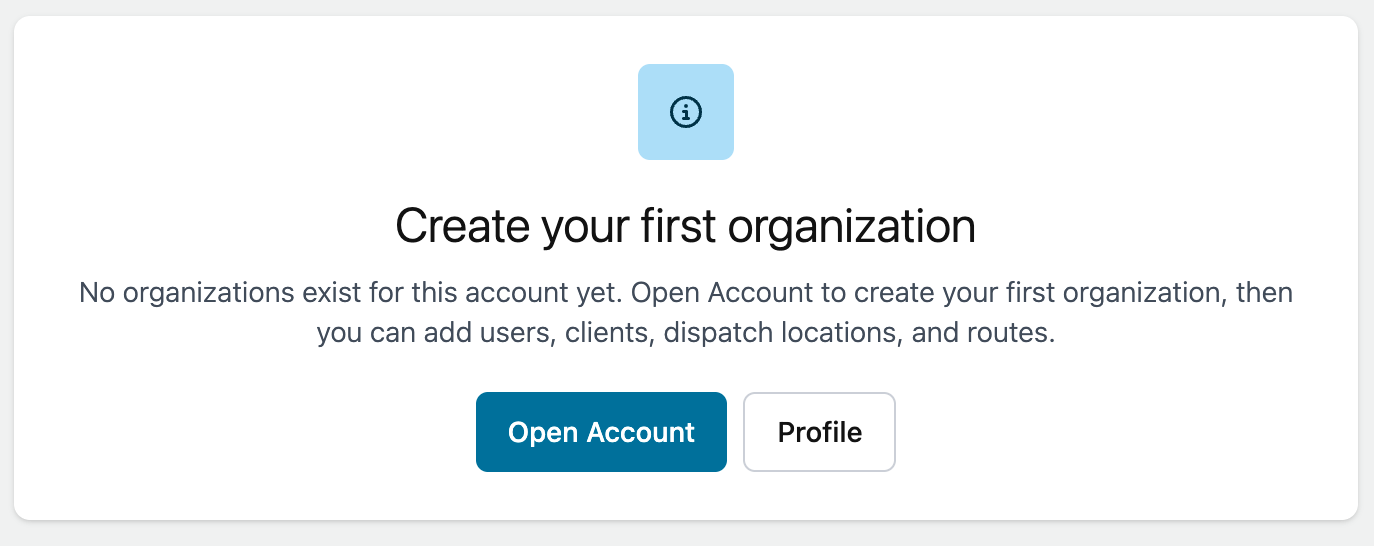
Users
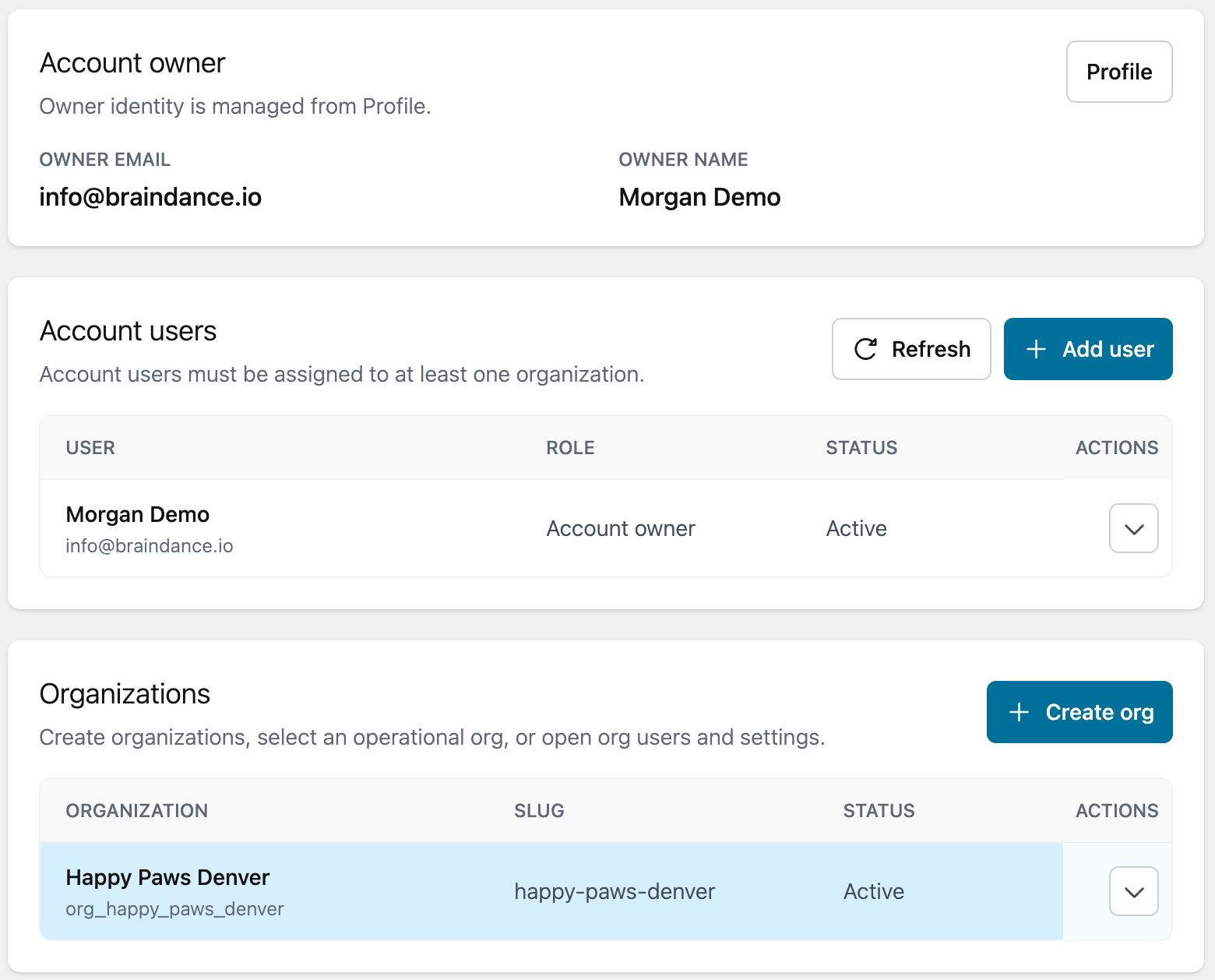
Account users are people who belong to your account.
When you add a user, choose the organization they should belong to and the role they should have in that organization.
If the user should drive routes, mark them as Assigned as Driver while adding or editing the user.
Drivers
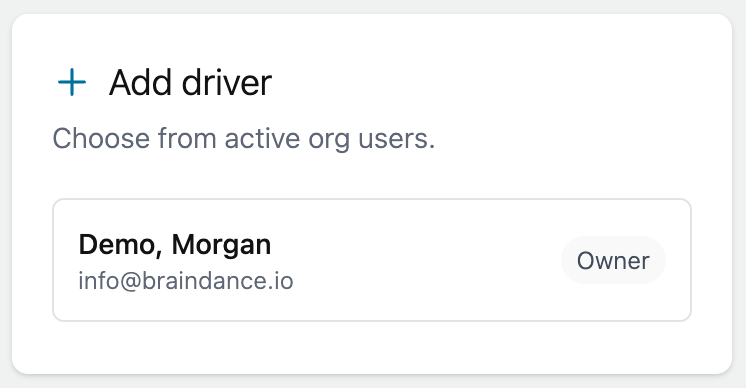
A user can be assigned as a driver without changing their organization role.
This supports small teams where an owner, admin, or dispatcher may also drive routes.
To add a driver:
- Open Manage > Users or the Account page.
- Add or edit the user.
- Turn on Assigned as Driver.
- Save the user.
Dispatch locations
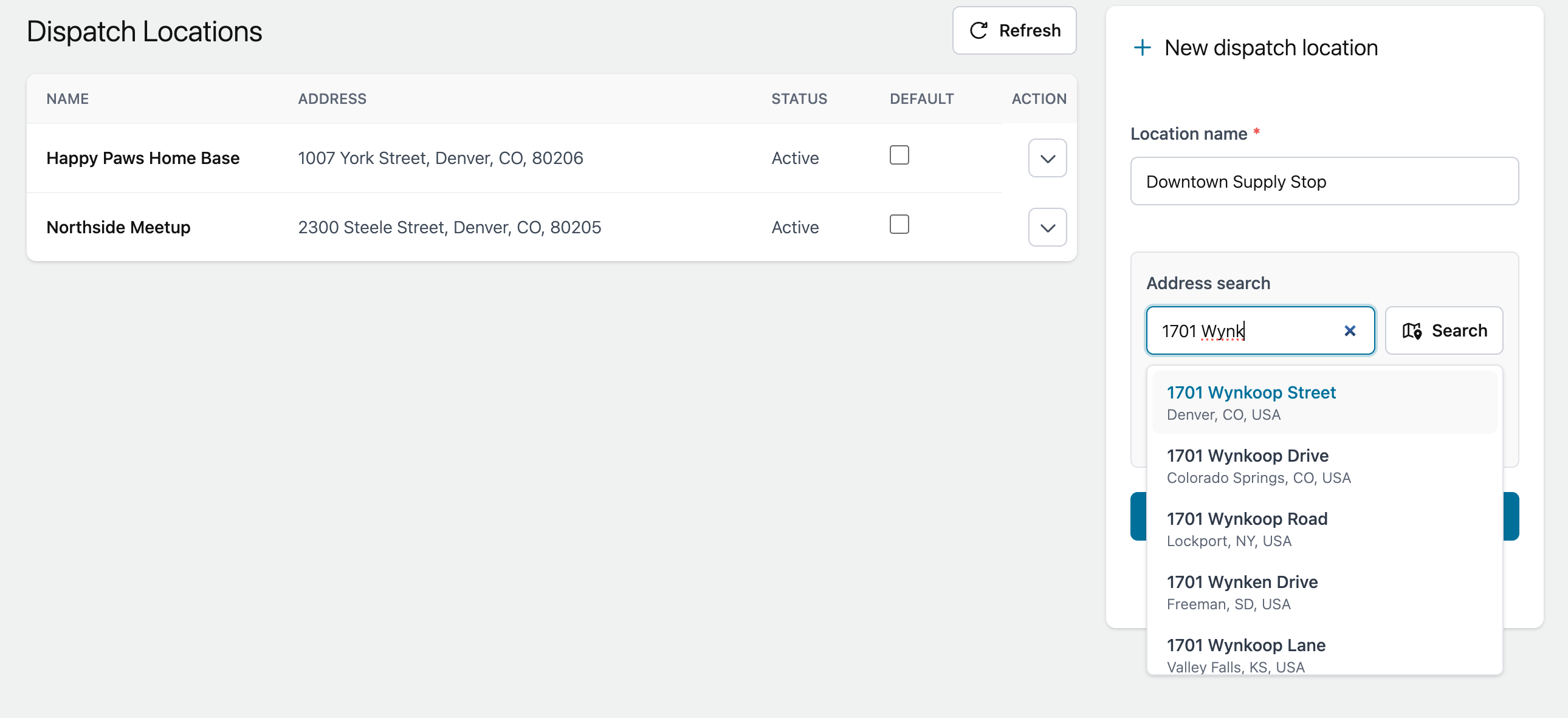
Dispatch locations are saved start or end points for routes.
Set a default dispatch location when most routes start from the same place.
Examples include your office, shop, warehouse, grooming salon, or another regular starting point.
Route defaults
Route defaults help prefill new route and quick route screens. Defaults can include dispatch location, driver, and traffic-aware behavior where the plan allows it.
Defaults are only starting values. You can still change the driver, start point, end point, and traffic-aware setting on an individual route.