
Customers
Add customers, validate addresses, and use customers as route stops.
Customers are the people, homes, businesses, or service locations you visit.
Examples:
- Grooming customer
- Pet sitting customer
- Dog walking customer
- Landscaping customer
- Cleaning customer
- Pool service customer
Add a customer
- Open Manage > Customers.
- Choose the add button.
- Enter the customer name.
- Use address search to find the customer address.
- Review the address.
- Save the customer.
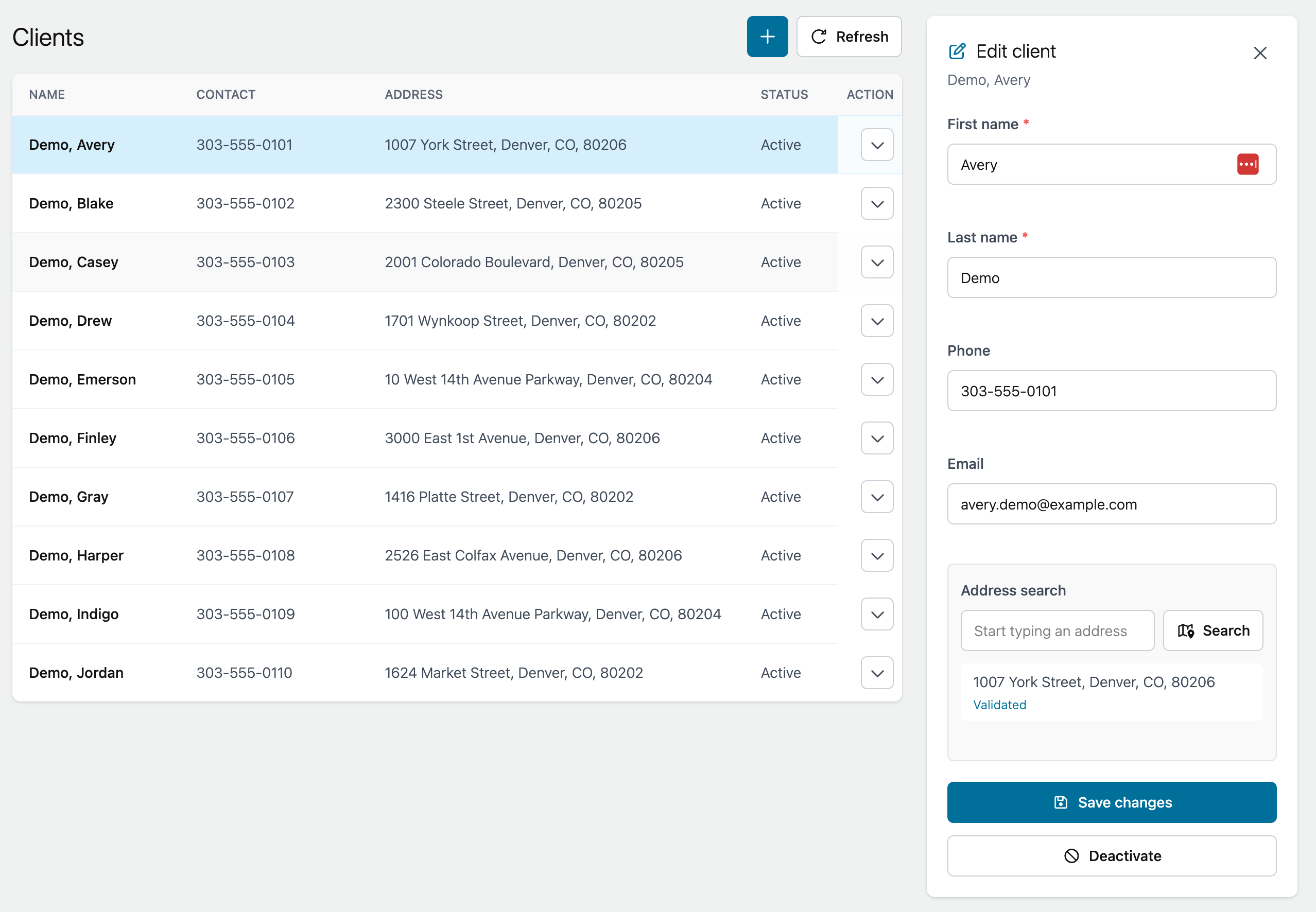
Address validation
Customers need validated addresses before they can be added to routes.
If an address cannot be validated, correct it before saving the customer.
Import customers
If you already have a spreadsheet, use Manage > Imports to import customer records.
See Import customers.