
Import Overview
Import customers, appointments, and route stops from spreadsheets.
Imports help you turn existing customer lists or schedules into data you can use in Fouffy Dog Routing.
Supported files include CSV and Excel spreadsheets.
What you can import
- Customer lists
- Appointment lists
- Route stop lists
Choose Customers when the spreadsheet is mainly a customer list.
Choose Routes when the spreadsheet is mainly appointments, stops, or a schedule you want to turn into a route.
Basic import flow
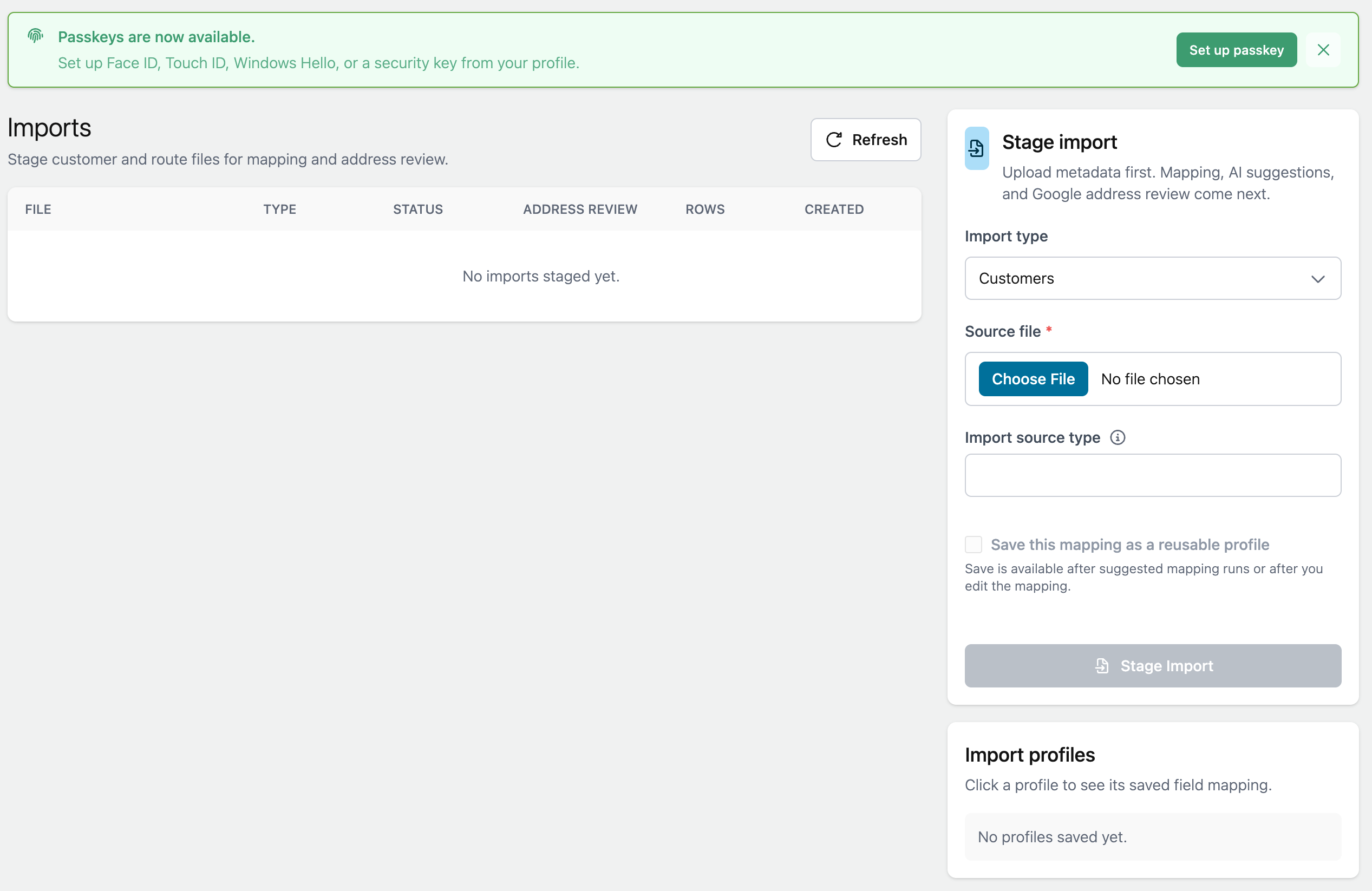
- Open Manage > Imports.
- Choose the import type.
- Select the file.
- Use a saved profile or suggest a mapping.
- Review the detected columns.
- Stage the import.
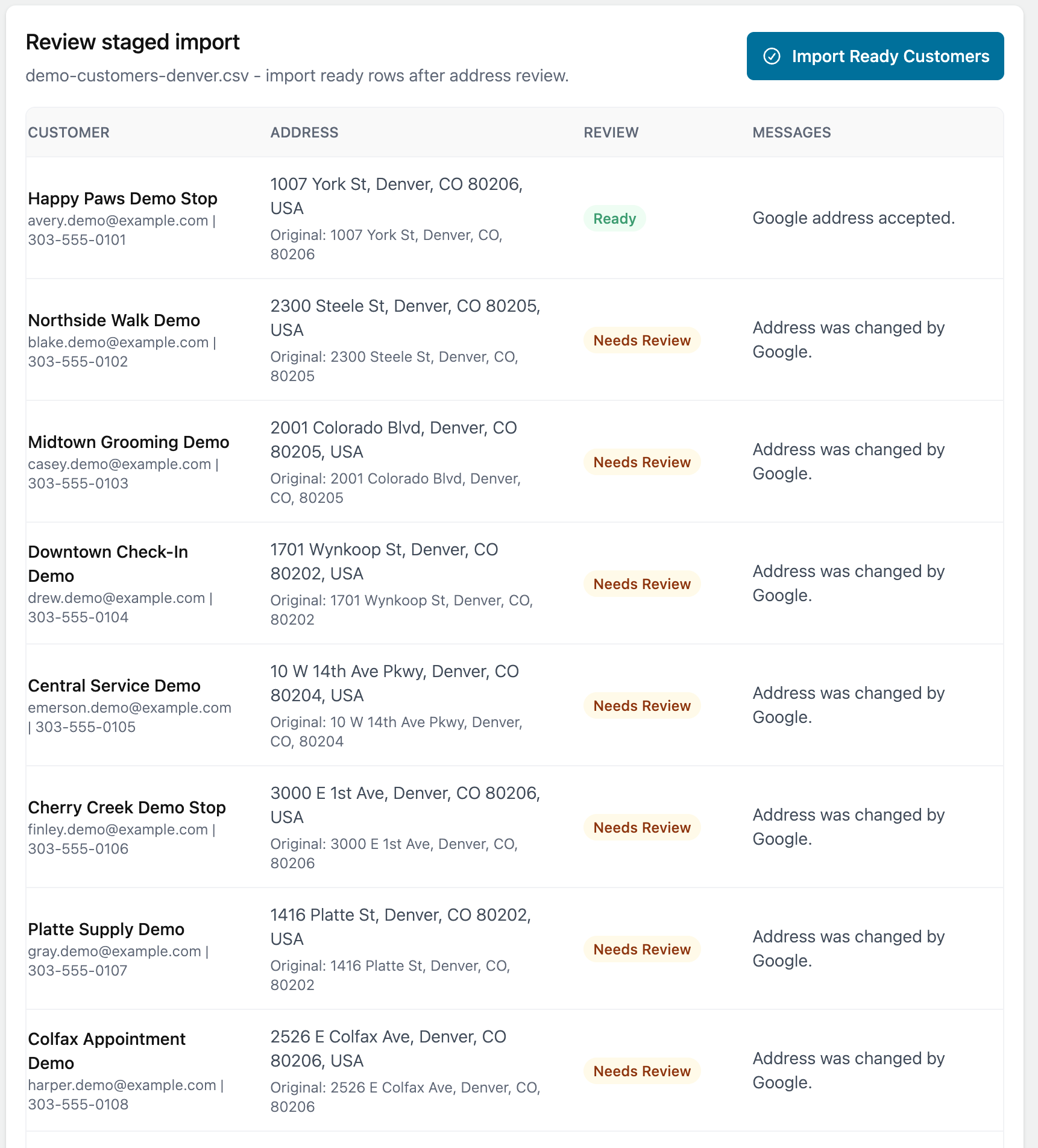
- Review any rows that need attention.
- Save the ready rows.
Why review is important
Imported addresses need to be validated before they can be used for routing.
If a row needs review, Fouffy Dog Routing will keep it in review until you fix, accept, or skip it.