
Saved Import Profiles
Save spreadsheet mappings and reuse them later.
Saved import profiles help when you import files with the same layout more than once.
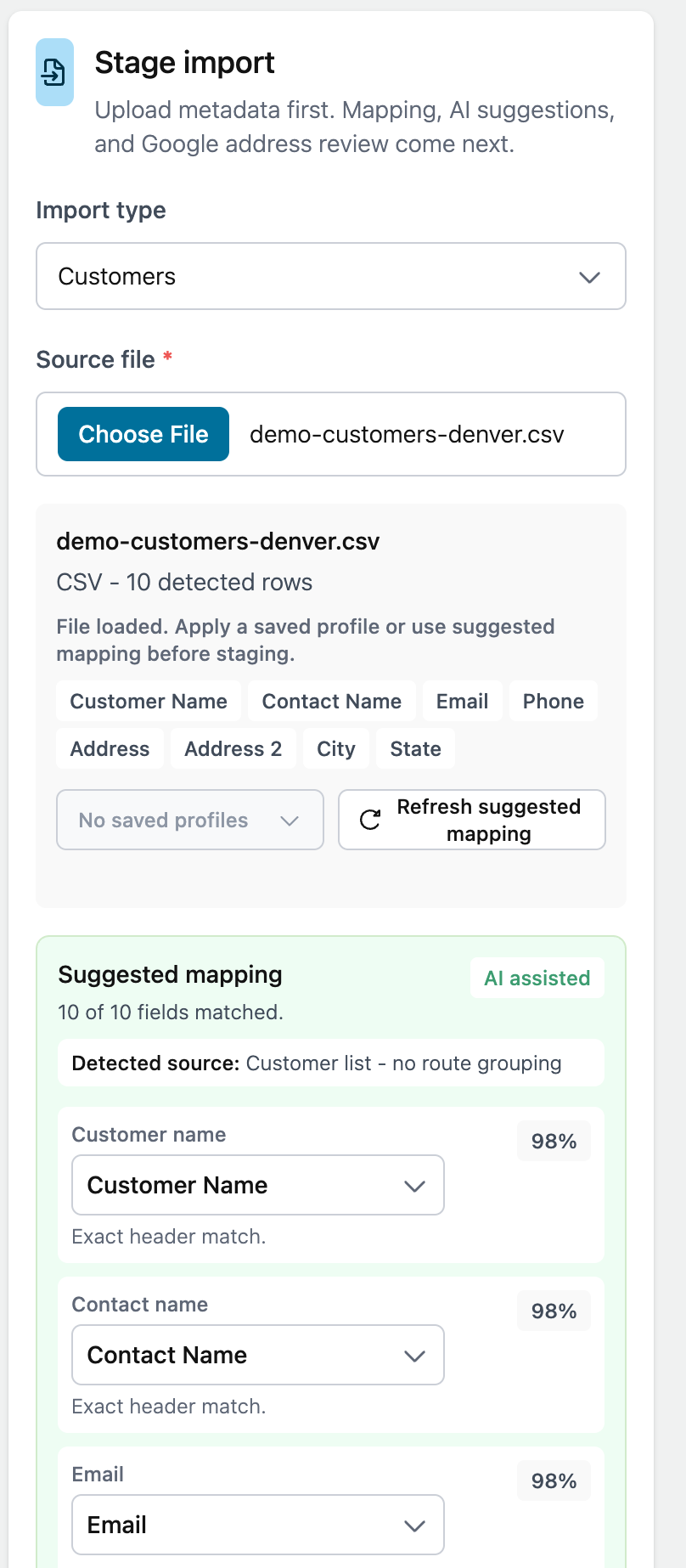
Examples:
- DaySmart Pet export
- Weekly schedule export
- Mobile grooming export
- Route sheet export
Save a profile
After reviewing or changing a mapping, choose the option to save the mapping as a reusable profile.
Give it a clear name so you can recognize it later.
Use a profile
When importing a similar file:
- Select the file.
- Choose the saved profile.
- Review the mapping.
- Stage the import.
If you use a saved profile without changing it, you do not need to save it again.
Review or delete profiles
The Imports page lists saved profiles. Click a profile to see its saved field mapping.
Delete profiles you no longer use.