
Import Troubleshooting
Fix common import problems before saving rows.
Most import issues can be fixed from the review step.
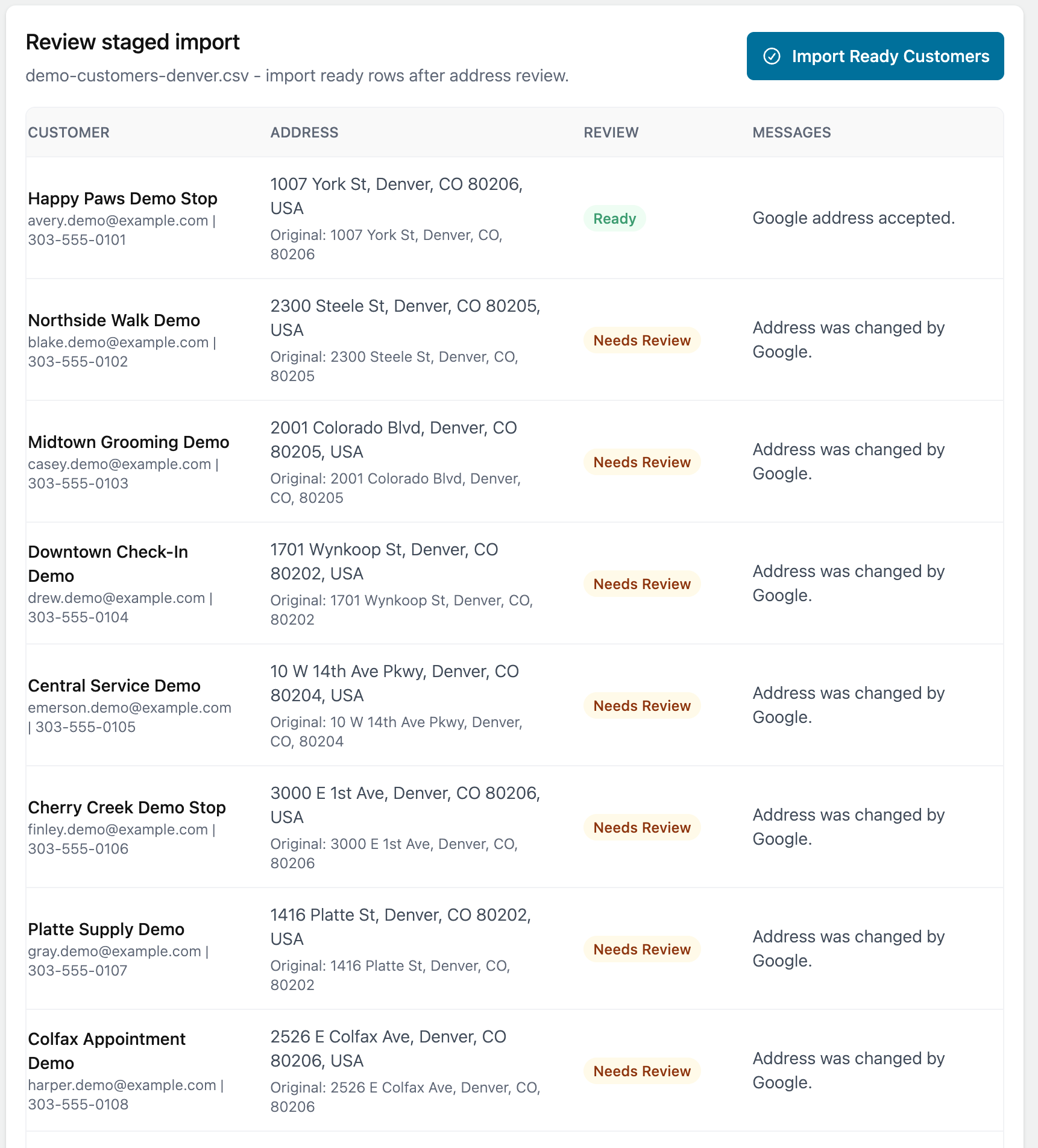
Address not found
The address may be incomplete, misspelled, or split across unexpected columns.
Check the street address, city, state, and ZIP code. Correct the row, then try again.
Missing columns
If a needed field is unmapped, open the mapping and choose the correct source column.
If the spreadsheet does not include the information, skip the field or add the data to the spreadsheet and upload it again.
Duplicate customers
If an imported row looks like an existing customer, review the match before saving.
If the address is different, choose whether to use the saved customer address or the imported address for that route stop.
Invalid spreadsheet format
If the file cannot be read, save it again as CSV or Excel and try the upload again.
Avoid merged header cells, blank header rows, and extra notes above the column headers.