Import Problems
Fix common customer and route import issues.
The import cannot read my file
Save the file again as CSV or Excel and upload it again.
Avoid merged cells, blank rows above the headers, and extra notes before the first row of column names.
The wrong fields were matched
Open the mapping and choose the correct source column.
If a field should not be imported, skip it.
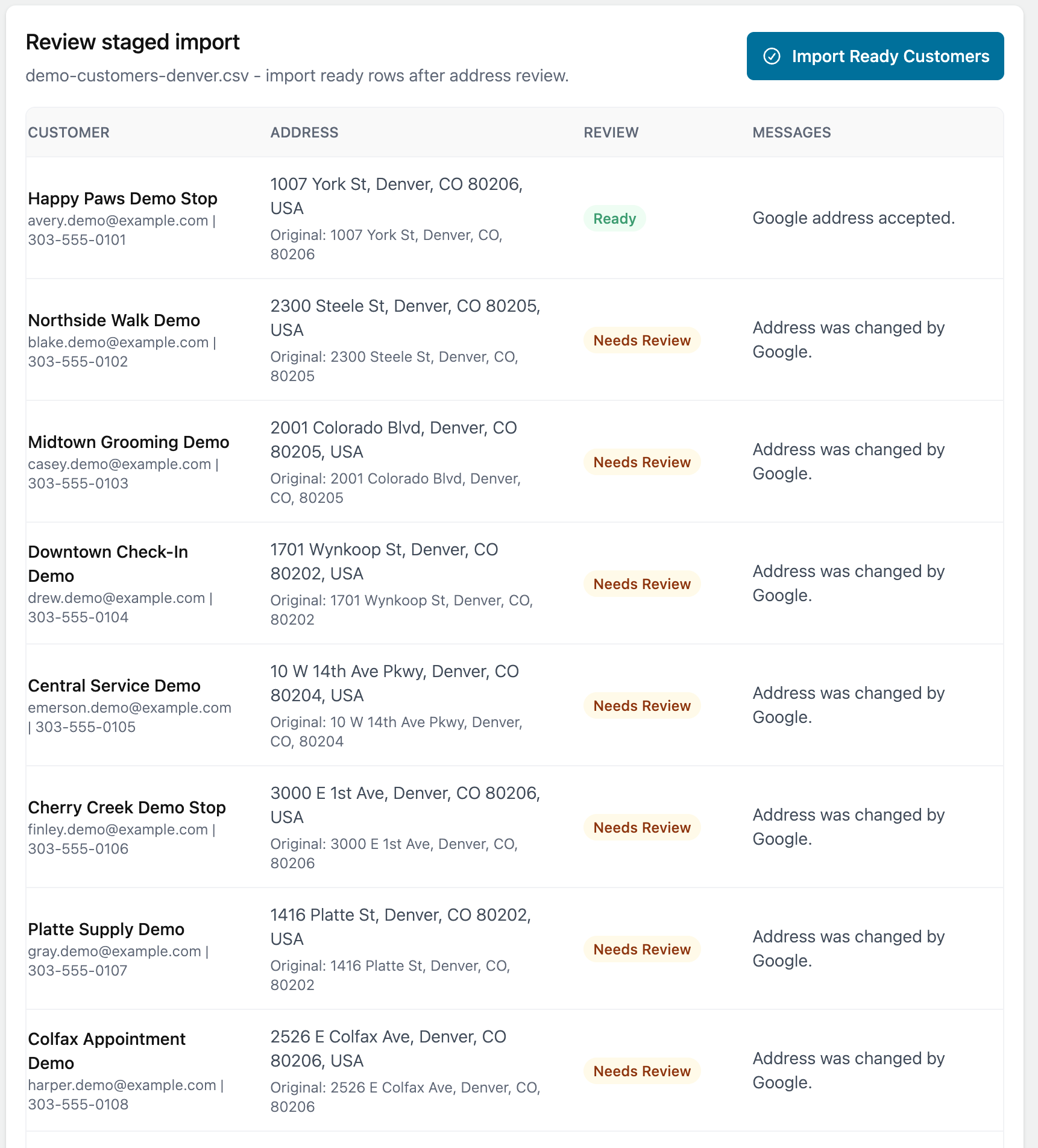
Rows need review
Rows may need review because an address could not be validated, a customer match needs confirmation, or a required field is missing.
Open the staged import and review the row messages.